

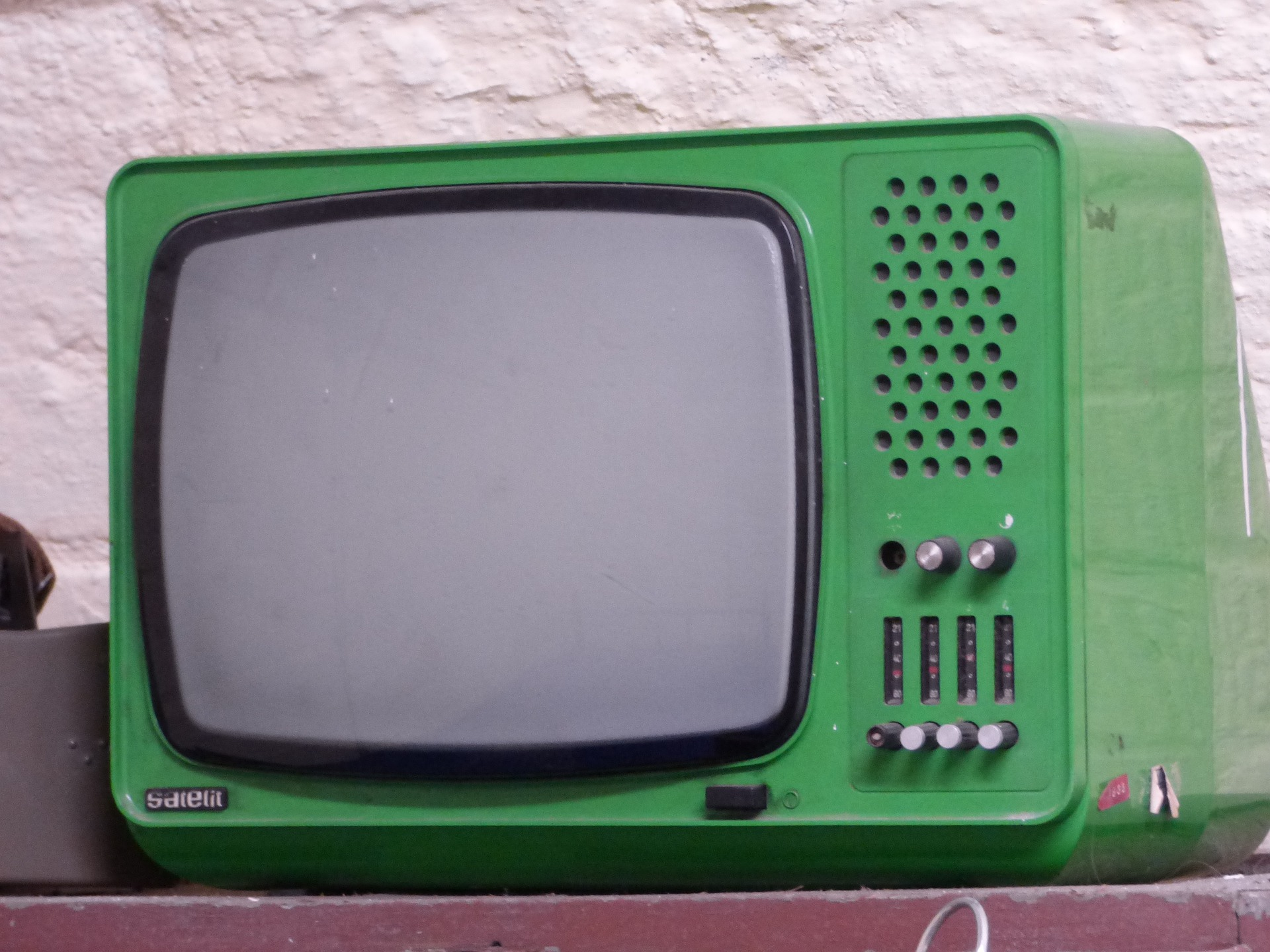
There's a difference between glancing at a face on your phone and having that same conversation fill your entire living room. Video chat on a small screen is convenient; video chat on your TV is an experience. Here's how to bring OjosTV from your laptop to the biggest screen in your house.
Getting OjosTV onto your smart TV
There are two straightforward ways to get set up, depending on what your TV supports.
Option 1 - Through your TV's browser: If your smart TV has a built-in Chrome browser, just open it, type ojos.tv into the address bar, and you're in. No installation needed - you're using the platform directly from your television.
Option 2 - As an app: If your TV has access to the Google Play Store, search for "ojos.tv" and install the app for a slightly more streamlined, TV-optimized experience.
Which TVs does this work on?
OjosTV supports most modern smart TVs, including models from Samsung, LG, and Sony. If your TV is a bit older, has a limited browser, or doesn't come with access to the Google Play Store, don't worry - there's still a way to make this work.
No smart TV app support? Try screen sharing
If your TV can't run the browser or app directly, you can still get the big-screen experience through screen sharing. Connect your phone, tablet, or computer to your TV (most modern TVs and devices support this natively, whether through a cable or wireless casting), run OjosTV on that device as usual, and your TV becomes the display. It's a two-minute workaround that gets you the same result.
Why bother moving video chat to your TV at all?
A bigger screen does more than just make faces bigger - it changes the feel of the conversation entirely. Chatting on your TV turns a quick phone call into something closer to a real visit: the person you're talking to is sitting in your living room with you, not shrunk down inside a device in your hand. Combined with features like translation and video filters, it's a genuinely more immersive, more social way to connect.
Picture catching up with family on the other side of the world, their faces filling your TV like they just walked into the room. Or hosting a casual get-together with friends where everyone's actually visible, instead of squinting at a row of tiny video tiles.
The takeaway
Moving your video chats to the big screen is a small change that makes a surprisingly big difference in how connected a conversation feels. Whether your TV supports it natively or you need the screen-sharing workaround, it's worth the two minutes of setup. Grab a snack, get comfortable on the couch, and give it a try.


Comments
No comments yet. Be the first.
Add a comment